How to Rotate an Object
Using the rotation sliders
You can rotate text, images and graphics in Easil. Here’s how!
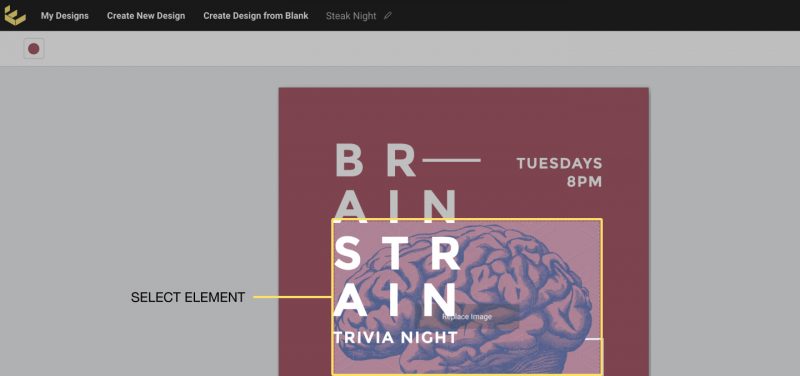
1. Click on the object you wish to rotate
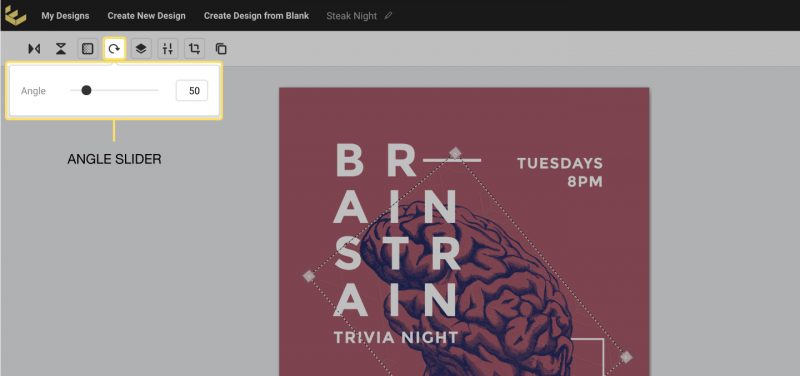
2. Select the “Angle” button in the Actionbar, then move the slider to adjust the rotation.
Alternatively, you can manually type in the angle you would like to rotate the element to.