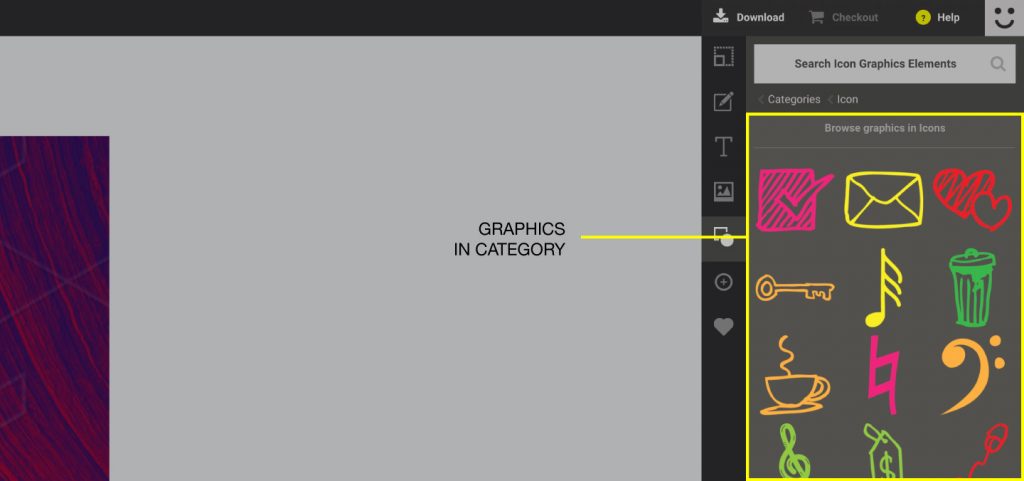
What are “Graphics Categories”
Categories Explained
The graphics in the Easil library are also organised into Popular categories.
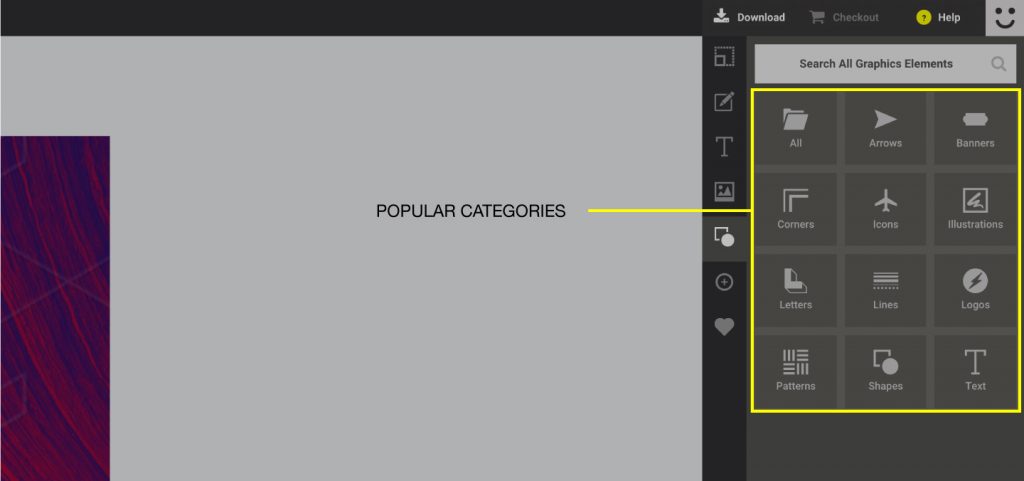
These categories are:
• Arrows – Contains “Arrow” elements useful for embellishment
• Banners – Contains all “Banner” elements that are stretchable
• Corners – Contains decorative elements suitable for borders
• Icons – Contains graphics that can be used as symbols
• Illustrations – Contains illustrative graphic elements
• Letters – Contains embellished / decorative letters
• Lines – Contains stretchable line elements
• Logos – Contains social media and venue logos
• Patterns – Contains a variety of patterns you can use for backgrounds
• Shapes – Contains a large selection of shapes, basic and complex
• Text – Contains graphics that contain a text element
• Photo Frames – Contains graphics that work as frames. These can organise and contain multiple images
Using Graphics Categories
If you wish to search for a particular graphic via “Popular Categories”, simply follow the steps below:
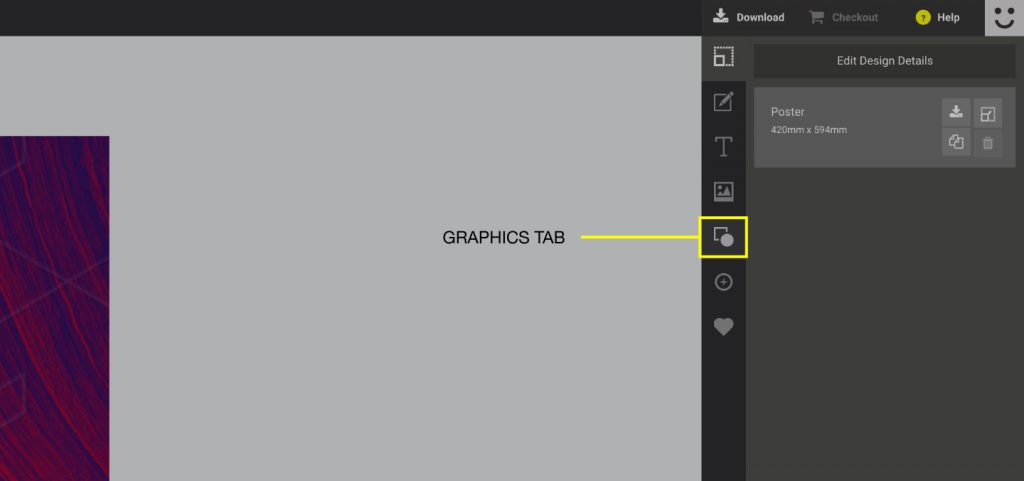
1. Click the Graphics tab on the sidebar.
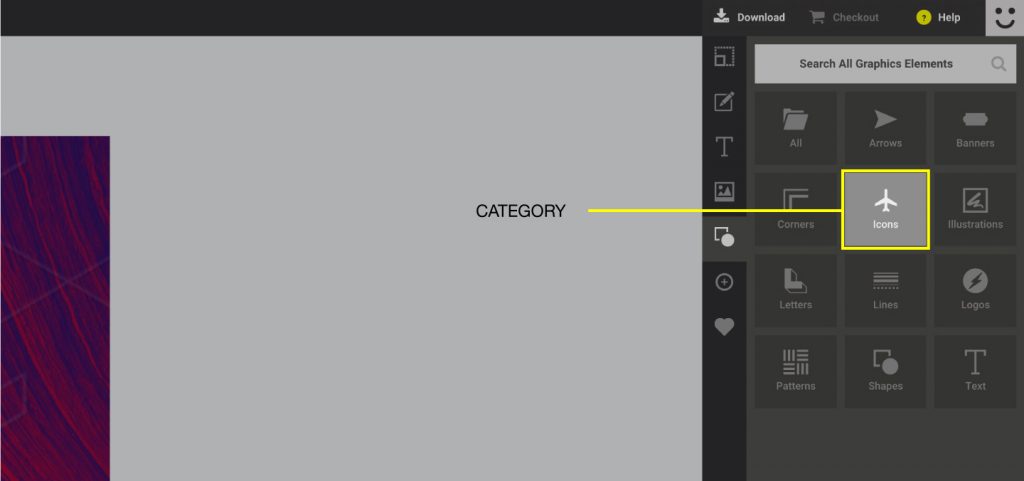
2. The sidebar should now display all the popular categories in the library
3. Simply click on whichever category you would like to see. This should display all the graphics that are inside of that category.