
How to Reset your Password
Forgotten Password?
If you forget your Easil password and can’t log in, it is still easy to recover your account. Simply go to easil.com, select “I have an account” and then click on “Forgot Password?”
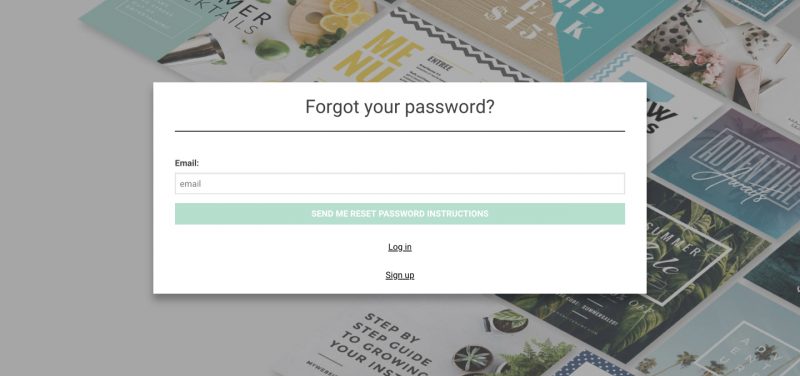
You will be greeted with this screen. Enter the email address associated with your Easil account, and you will receive an email with further instructions.
Change My Password
If you already know your password, and just want to change it, you can do so via the account settings page.
Read about Account Settings here.