How do I undo or redo a change
Undo and Redo
In Easil, you can always undo or redo a change you have done in your design.
To undo or redo any edits you’ve made:
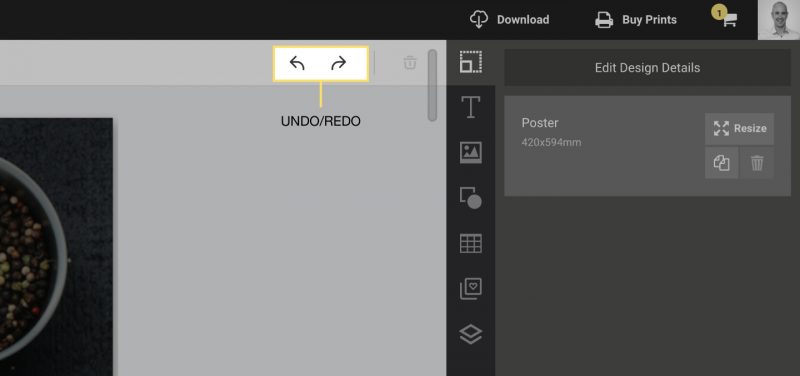
1. Click on the “undo” button on the sidebar or simply press the keyboard combinations below:
Command + Z (MAC)
Control + Z (PC)
2. You can also redo changes by clicking on the “redo” button or using the keyboard shortcuts:
Shift + Command + Z (MAC)
Shift + Control + Z (PC)
Alternatively, you can click on the undo and redo button located on the Actionbar: