How Do I Use the Assets Tab
Using Template & Favorite Assets
The Assets tab is where you can find all elements used on your current design, across all resizes. The Assets tab also shows any elements you have Favorited.
To use an element from the Assets tab:
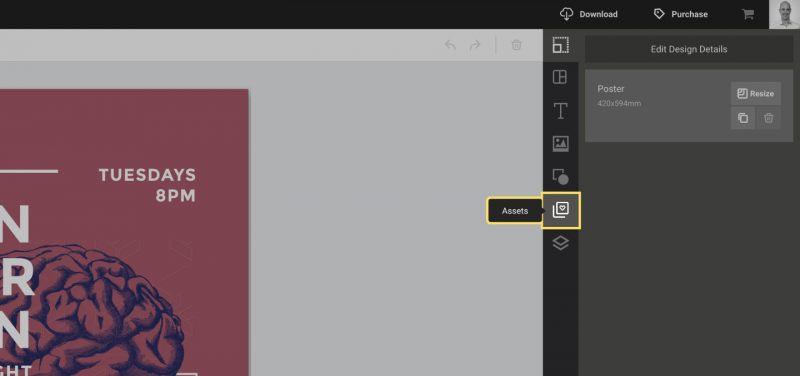
1. Go to the Assets tab.
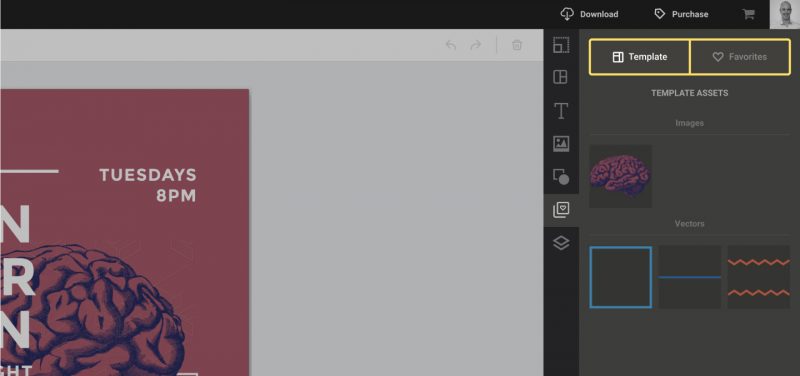
2. Select either “Template” or “Favorites” to access either elements used in the current design, or favorited elements.
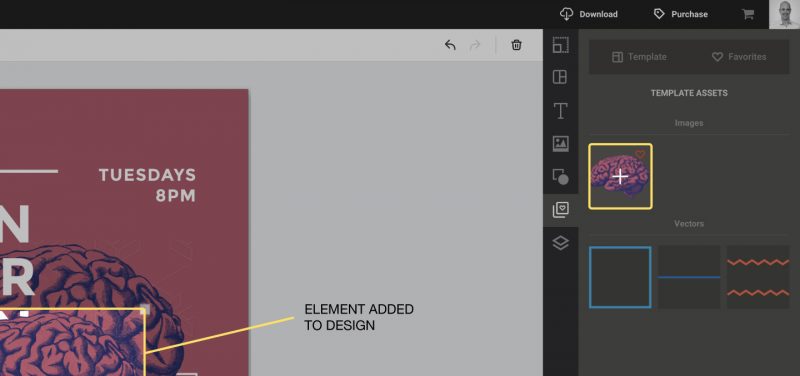
3. Click, or drag-and-drop to place an element on your design.