How to change the Opacity of an object
Using the Opacity sliders in Easil
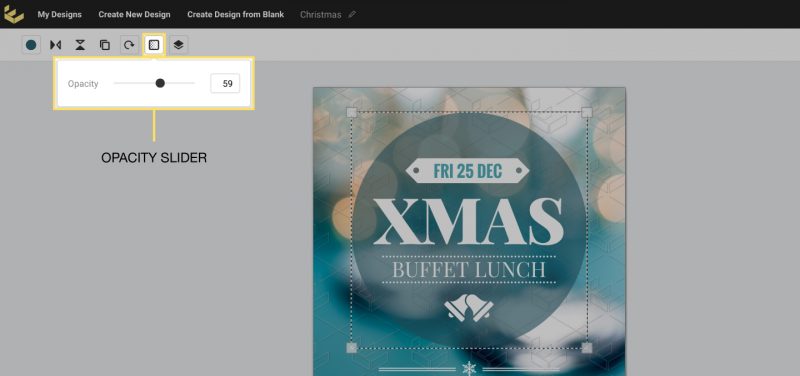
Easil allows you to change how transparent any object on the canvas appears; including graphics, text, and images. By doing so, you can adjust how much you can see through that particular element to the images or background behind it. Here’s how:
1. Click on the object you wish to modify.

2. Open the Opacity options in the Actionbar, then drag the opacity slider to adjust the transparency.