
How to delete groups
Deleting Groups
If you wish to delete a group :
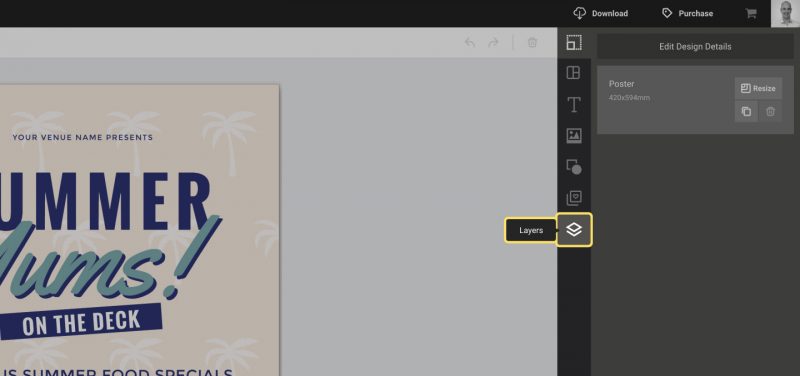
- Open the layers tab.
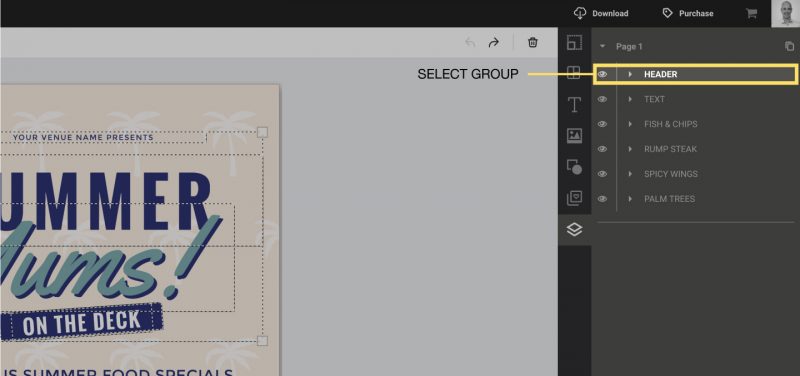
2. Click on a group to select it.
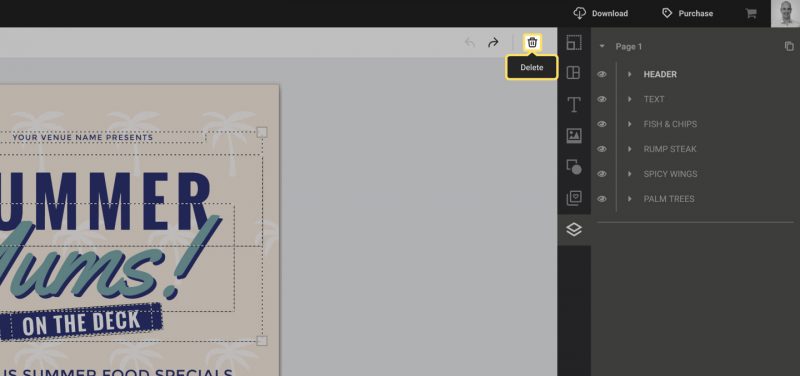
3. Click the “Delete” button in the Actionbar, or press “Delete” on your keyboard.
If you wish to delete a group :
2. Click on a group to select it.
3. Click the “Delete” button in the Actionbar, or press “Delete” on your keyboard.