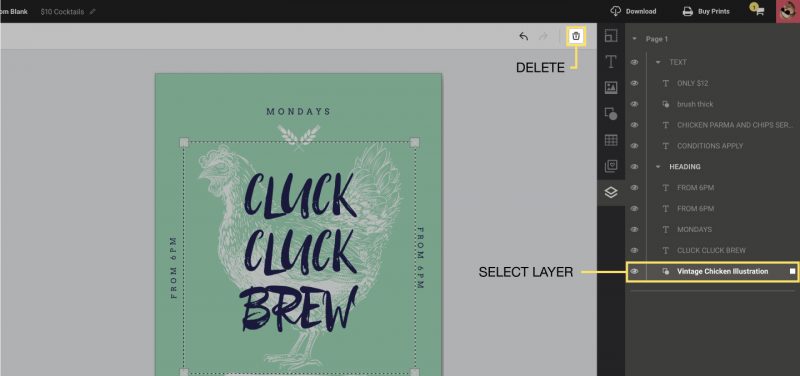
How to delete layers
Deleting Layers
If you wish to delete a layer :
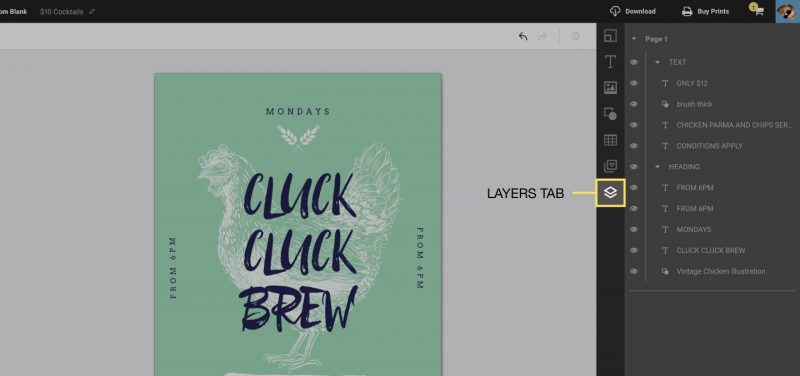
1. Open the layers tab
2. Select the layer you wish to remove by clicking on it, then press the “Delete” button in the Actionbar. Alternatively, you can also simply press Delete on your keyboard.