Managing your uploaded images
How to organise your images
You can view and manage the images you’ve uploaded by clicking on the “My Images” button.
This allows you to organise or delete your uploaded assets.
How to create a folder for your images
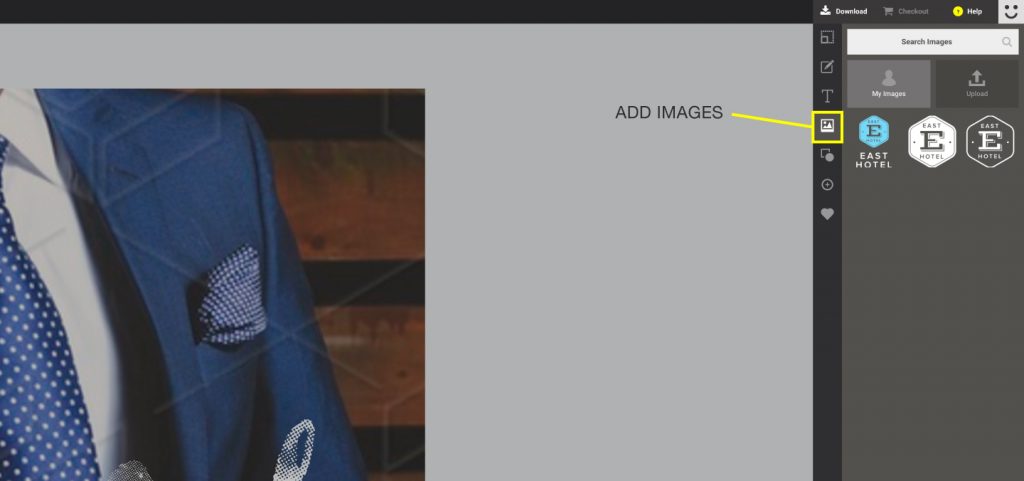
1. Click on the “Add Image” button. With the sidebar open, select “My Images”
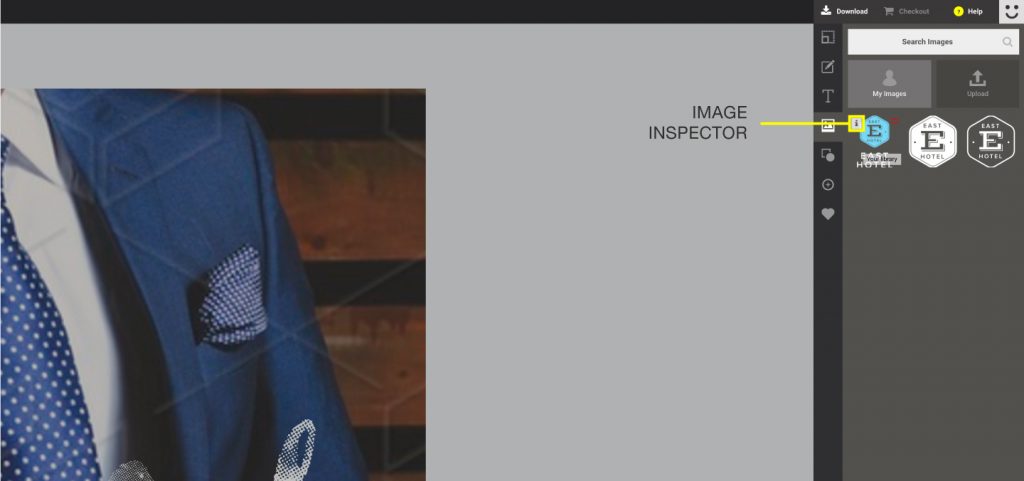
2. Click on the [i] icon on the top left corner of the thumbnail.
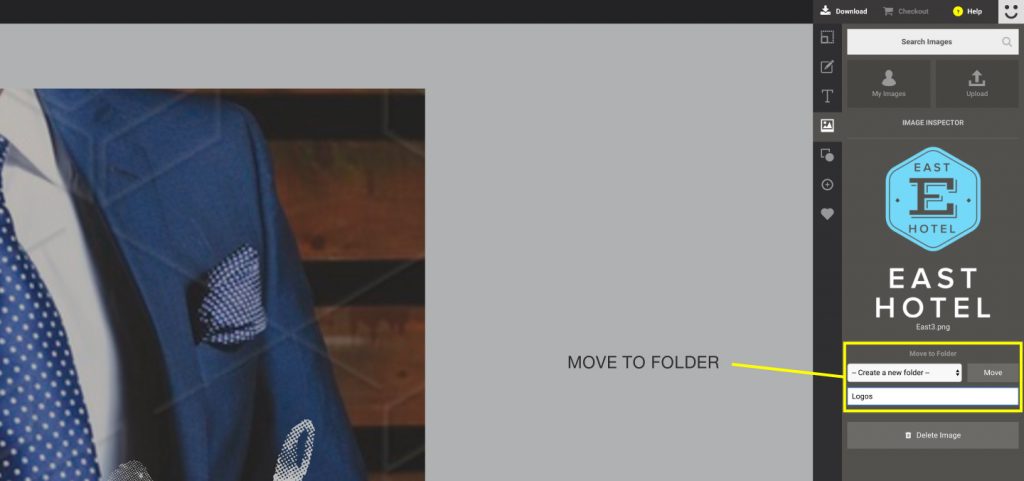
3. This should take you to the image inspector window.
4. Type in a name on the text area provided. Select the name from the drop down menu and Click “Move”
Deleting an Image from your library
You can also remove an uploaded image if you wish. To do this, follow the steps below:
1. With the sidebar open, Click on “My Images”
2.On hover, Click on the [i] icon on the top left corner of the thumbnail.
This should take you to the image inspector window.
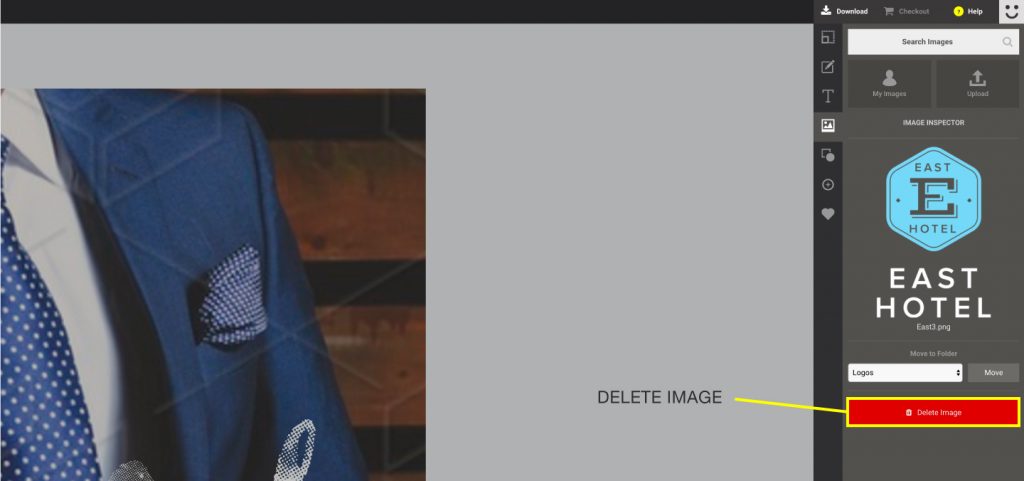
3. Simply press “Delete Image” to remove the image from your library