How to name layers and groups
Naming layers and groups
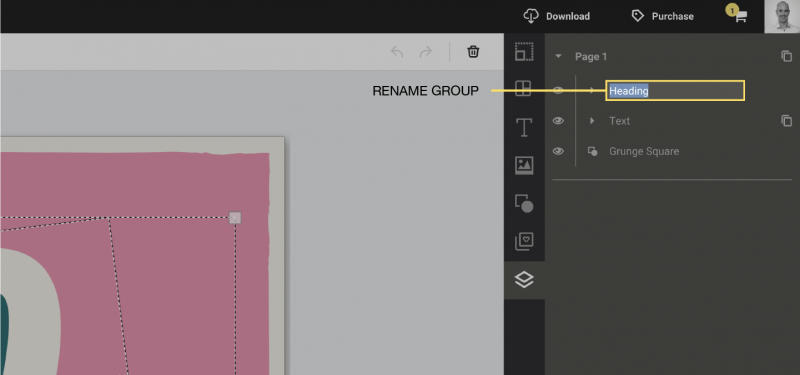
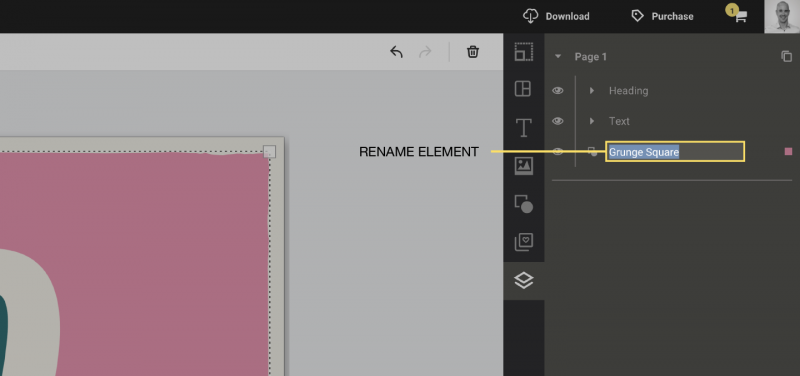
Layers and Groups can be renamed anytime you wish. This allows you to identify one element from another and makes selecting objects easier when in the Layers editing mode.
To rename layers or groups:
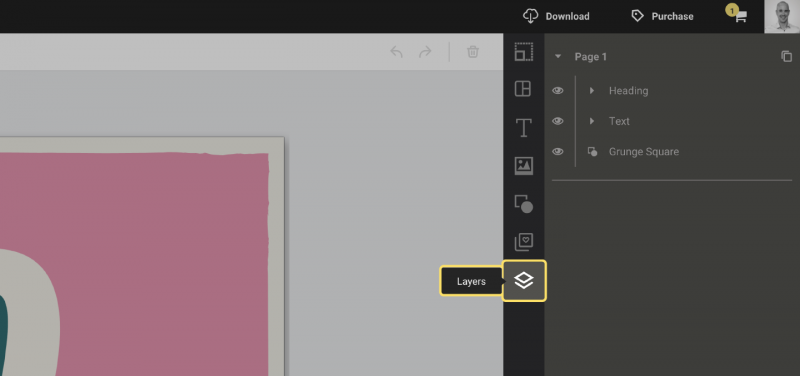
1. Open the layers tab (the bottommost tab in the sidebar).
2. Double click on the layer or group and type in a new name.